Fire Up an Agent and Walk Away
Everyone is racing to control the AI agent. Nobody is building where it lives.
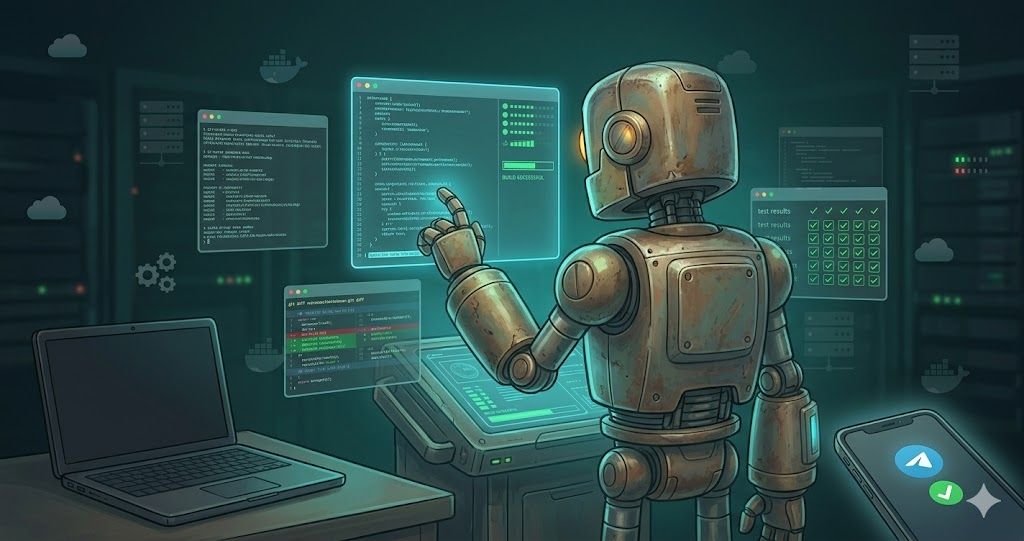
Your AI coding agent deserves a better place to live.
Anthropic just shipped Remote Control and Channels for Claude Code. Now you can message your coding agent from Telegram while you're at dinner. You can steer a session from your phone.
But here's what nobody's asking: where is that session actually running?
Right now you have two options. Your laptop — close the lid and the agent dies. Or a vendor's cloud sandbox — a black box you can't customize or inspect.
The Two Options (and Why Neither Works)
Your laptop. This is where most of us start. You fire up Claude Code or Cursor, point it at a repo, and let it work. It's fast, it has your full local environment, and it works great — until you close the lid. The session dies. The agent loses its context. Whatever it was in the middle of is gone.
Remote Control and Channels make this slightly better. You can steer the session from your phone instead of being chained to your desk. But the terminal still has to stay open. Your laptop still has to stay awake. You haven't actually decoupled the agent's compute from your physical presence — you've just added a longer leash.
A vendor's cloud sandbox. Several platforms now offer cloud-hosted agent environments. They're persistent and you can walk away. But you can't SSH in. You can't customize the environment. You can't inspect what's happening between the commits. You get the output but not the transparency.
For quick, self-contained tasks, this is fine. For the kind of sustained, multi-session work where an agent is building across a codebase over hours or days? You want to be able to look under the hood.
What Stripe Figured Out
Stripe is running 1,300 agent-initiated pull requests a week. Every single one initiated by an autonomous agent.
The details of their system have been widely discussed, but the part that matters most is often glossed over: they built isolated devboxes — the same environment a human engineer uses, blast radius contained by design, so the agent gets full trust inside its sandbox.
The agent wasn't the breakthrough. The infrastructure was.
Stripe could wire agents into their codebase because they'd already invested in reproducible devboxes, selective CI, code intelligence tooling, and machine-readable rule files. Every one of those things was originally built for human developers. The agents inherited an environment that was already well-engineered.
The takeaway isn't "be more like Stripe." It's that agents amplify your infrastructure in both directions. Good infrastructure makes agents powerful. Bad infrastructure — or no infrastructure — makes them unpredictable.
The Missing Layer
I've been building software for thirty years. Enterprise systems, serverless architectures, distributed platforms. This past year I started working seriously with AI coding agents, and I kept running into the same wall.
The agents were capable. The models were good. The tooling for interacting with them was improving fast. But there was no good answer to a simple question: where does the agent actually run?
I didn't need Stripe's engineering org. I needed something simpler. A persistent, reproducible environment I could spin up cheaply, point my agents at, and walk away from — knowing I could come back hours later and everything would still be there.
So I built Remo.
What Remo Is
Remo is an open-source Python CLI that provisions persistent remote development environments designed for AI agents.
The core idea is simple: one command gives you a VM or container with everything pre-configured. Docker, Node, GitHub CLI, a Zellij terminal multiplexer that keeps your sessions alive across SSH disconnects, and a project menu for managing multiple workspaces.
It's built on devcontainer standards — the same spec that powers VS Code Dev Containers and GitHub Codespaces. The environment your human developers use is the same one your agents get. I've also open-sourced a set of devcontainer templates purpose-built for agentic development — pre-configured with the tools AI coding agents actually need, so you're not starting from a blank devcontainer.json.
Three platforms today, each for a different use case:
Hetzner Cloud for budget-friendly persistent environments. A capable VM runs around €4 a month. Start your agents Friday evening, check in Monday morning.
AWS with spot instance support when you need enterprise-grade infrastructure. SSM access means no inbound ports to manage. Spot instances bring the cost down to roughly $10/month.
Incus for local containers and homelab setups. Same workflow, your own hardware.
Not a Black Box
This is the part I care about most.
Remo environments aren't opaque. You can SSH in anytime. You can see what your agent is doing. Your Zellij sessions survive disconnects, so you can detach, go to dinner, and reattach to exactly where the agent left off.
When you message your agent through Channels, that message arrives in an environment you provisioned, configured, and can inspect. When Remote Control lets you steer from your phone, you're steering a session running in a place you understand.
This isn't about distrust. It's about the same principle that's made devcontainers successful: reproducibility, transparency, and control. You should be able to understand the environment your code is being written in, whether the author is a human or an agent.
Where This Goes
Remo stands on its own. You can use it with Claude Code, Cursor, Codex, or any other coding agent that works over SSH.
The agent isn't the hard part anymore. The ecosystem around it is. And the most fundamental question in that ecosystem is still the simplest one: where does it run?
Remo is my answer.
Remo is open source and available on PyPI (pip install remo-cli) and GitHub. The devcontainer templates are there too. I'd love to hear what you're building — find me on X or LinkedIn.